The free Canva alternative for thumbnails and social images
Orcanva does one job well: images at the exact size you need, made fast. Background removal and transparent PNGs, paid extras on Canva, are free here, along with live collaboration.
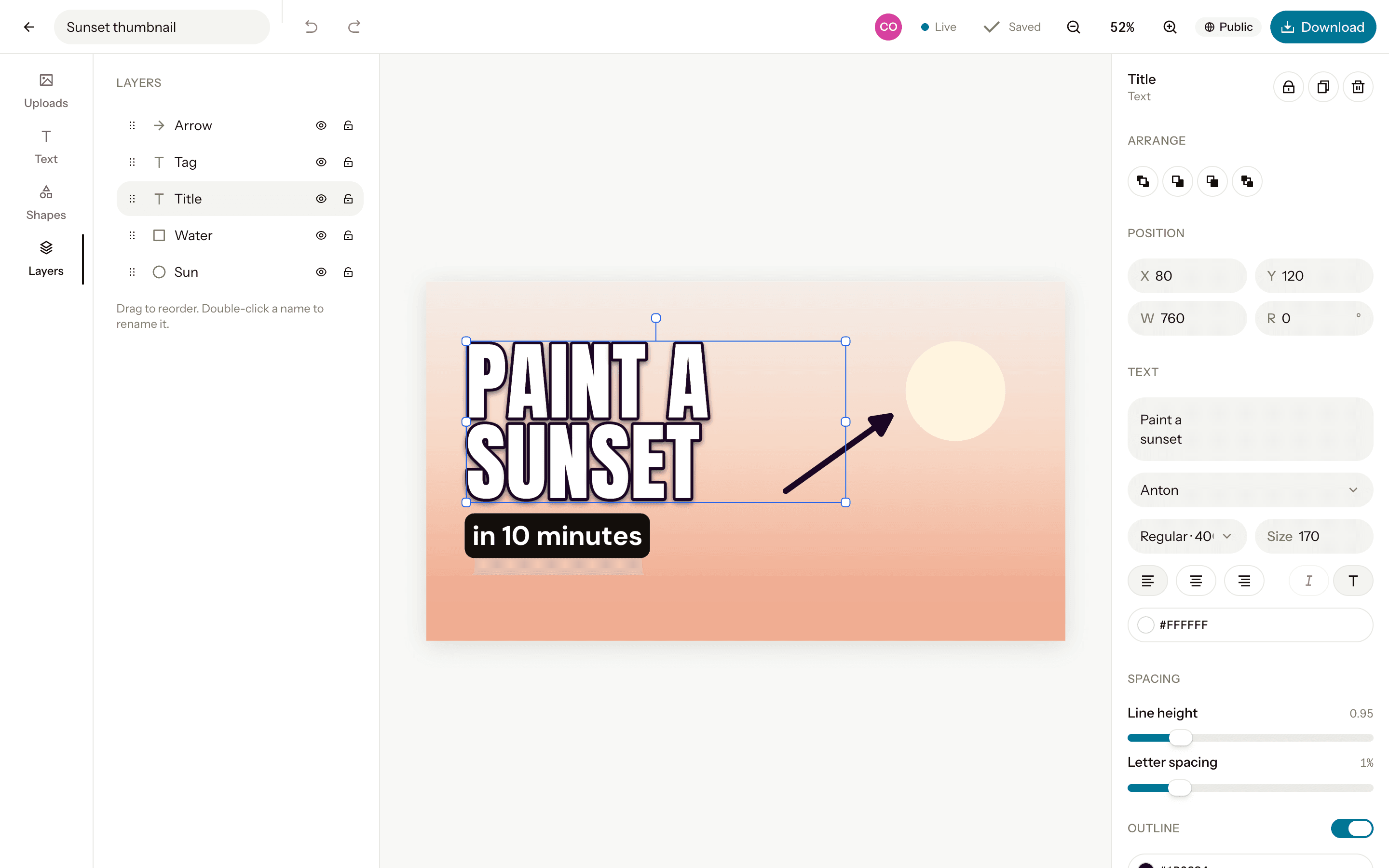
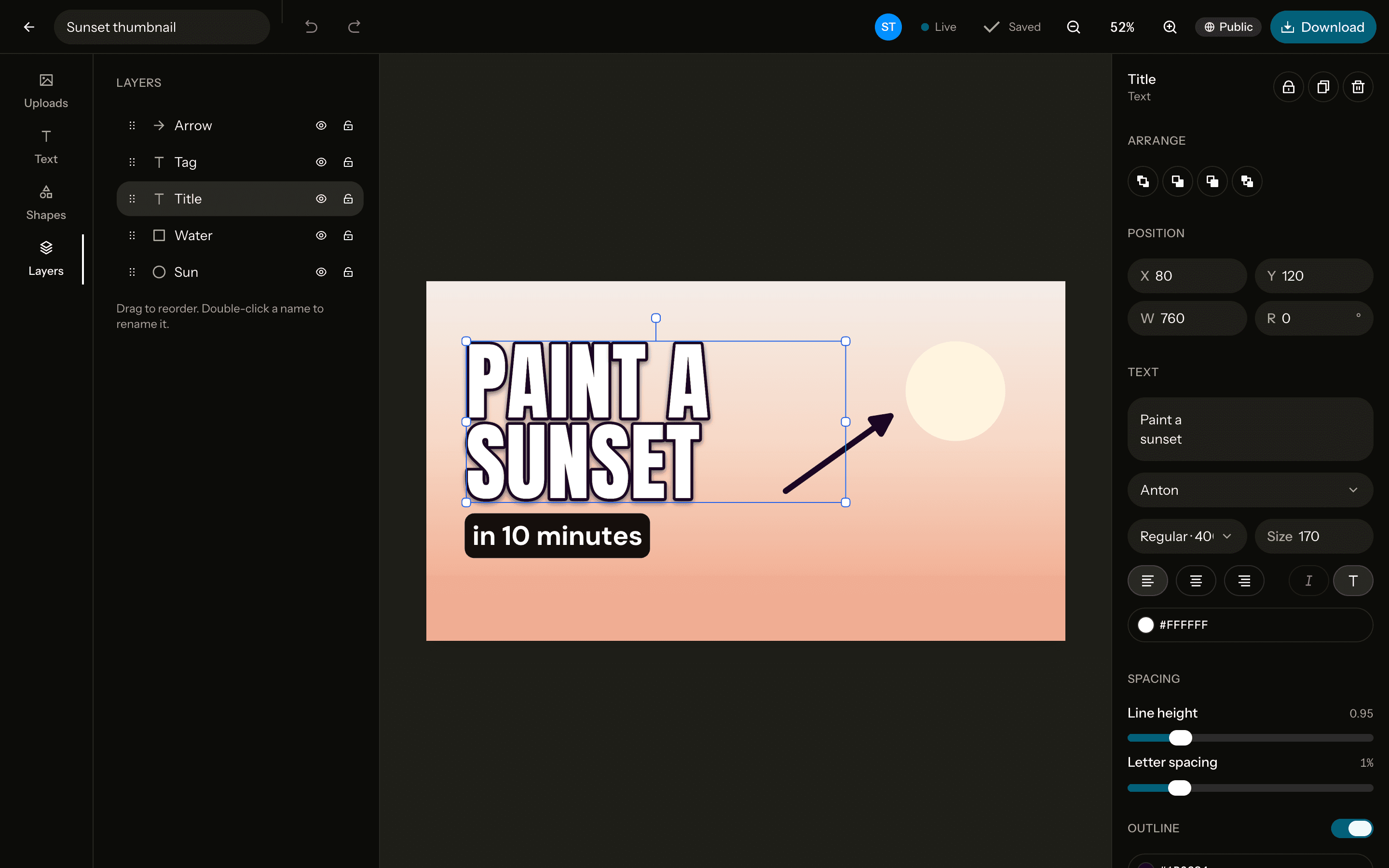
Orcanva and Canva, side by side
| Feature | Orcanva | Canva Free |
|---|---|---|
| Price | Free, every feature | Free, with paid plans for more |
| Open source | Yes, MIT-licensed on GitHub | No |
| Background remover | Free and unlimited, in your browser | Paid plans |
| Transparent PNG download | Free | Paid plans |
| Live collaboration | Free, guests included on public designs | Free |
| Fonts | 40 curated Google Fonts | Thousands, more on paid plans |
| Export | PNG, JPG or WebP at the exact size, 1× or 2× | PNG, JPG, PDF and more |
| Templates | Public designs you can copy | Hundreds of thousands |
| Stock photos | None: bring your own images | A large library |
| Video, presentations, print | No, still images only | Yes |
| Apps | Any recent browser | Browser, desktop and mobile apps |
Who it's for
YouTubers
Thumbnails at 1280×720 with bold, outlined text, your face cut out of any photo, and a file that's ready to upload.Social media posts
Square, portrait and Story sizes, plus X and LinkedIn, each exact to the pixel and exported in one click.Developers
Open Graph images at 1200×630 for every page you ship, without opening a heavyweight design tool.
When Canva is the better choice
If you need ready-made templates for everything, stock photos, video editing, presentations or print, Canva does far more than Orcanva, which sticks to still images for screens. If you make thumbnails and social posts from your own photos, Orcanva gets you there without a subscription.
Questions
- Is Orcanva really free?
- Yes. There's no paid plan: every feature, background removal included, is free. It's open source too, under the MIT licence on GitHub. You sign up with Google or email to keep your designs.
- Is Orcanva made by Canva?
- No. Orcanva is an independent project. It isn't affiliated with, or endorsed by, Canva.
- Can I bring my Canva designs over?
- Not directly. Download a design from Canva as a PNG and drop it into Orcanva, or rebuild it at the same size: the presets match the usual ones, like 1280×720 for YouTube and 1080×1920 for Stories.
- Does Orcanva have templates?
- Not a library like Canva's. Anyone can open the public designs in the studio, and Use as template makes a private copy of one for you to change.
- Can I design together with others?
- Yes. Make a design public and anyone with the link can edit it with you, live, with or without an account. Yours stay private until you choose otherwise.
- Can I use my designs commercially?
- Yes. The fonts are Google Fonts under open licences, the background-removal model is MIT-licensed, and your designs are yours.
Canva is a trademark of Canva Pty Ltd. Orcanva isn't affiliated with or endorsed by Canva.