Free LinkedIn banner maker
Profile banners at exactly 1584×396, the size LinkedIn recommends. Set a photo or a gradient, add your headline and logo, and download a crisp PNG or JPG.
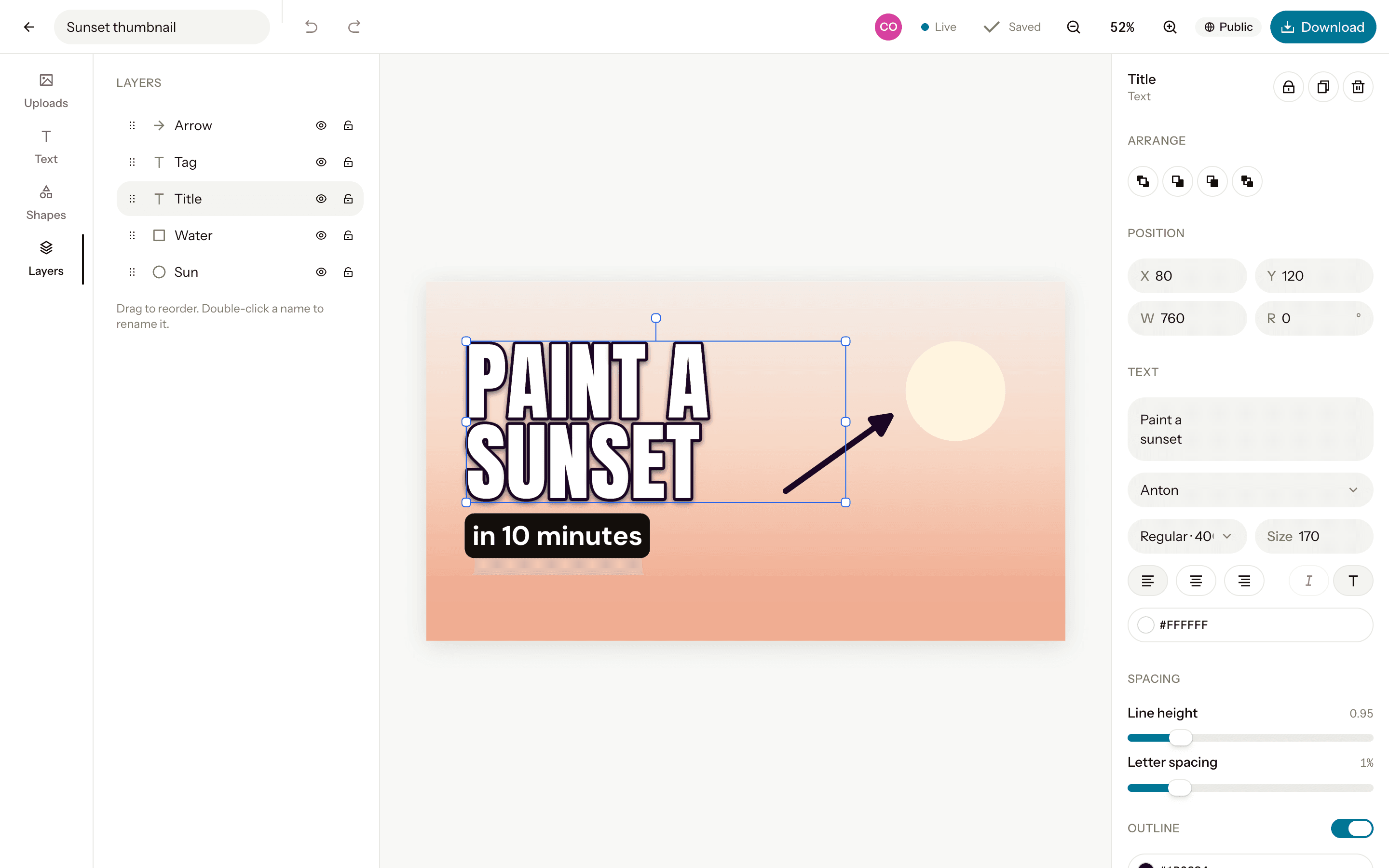
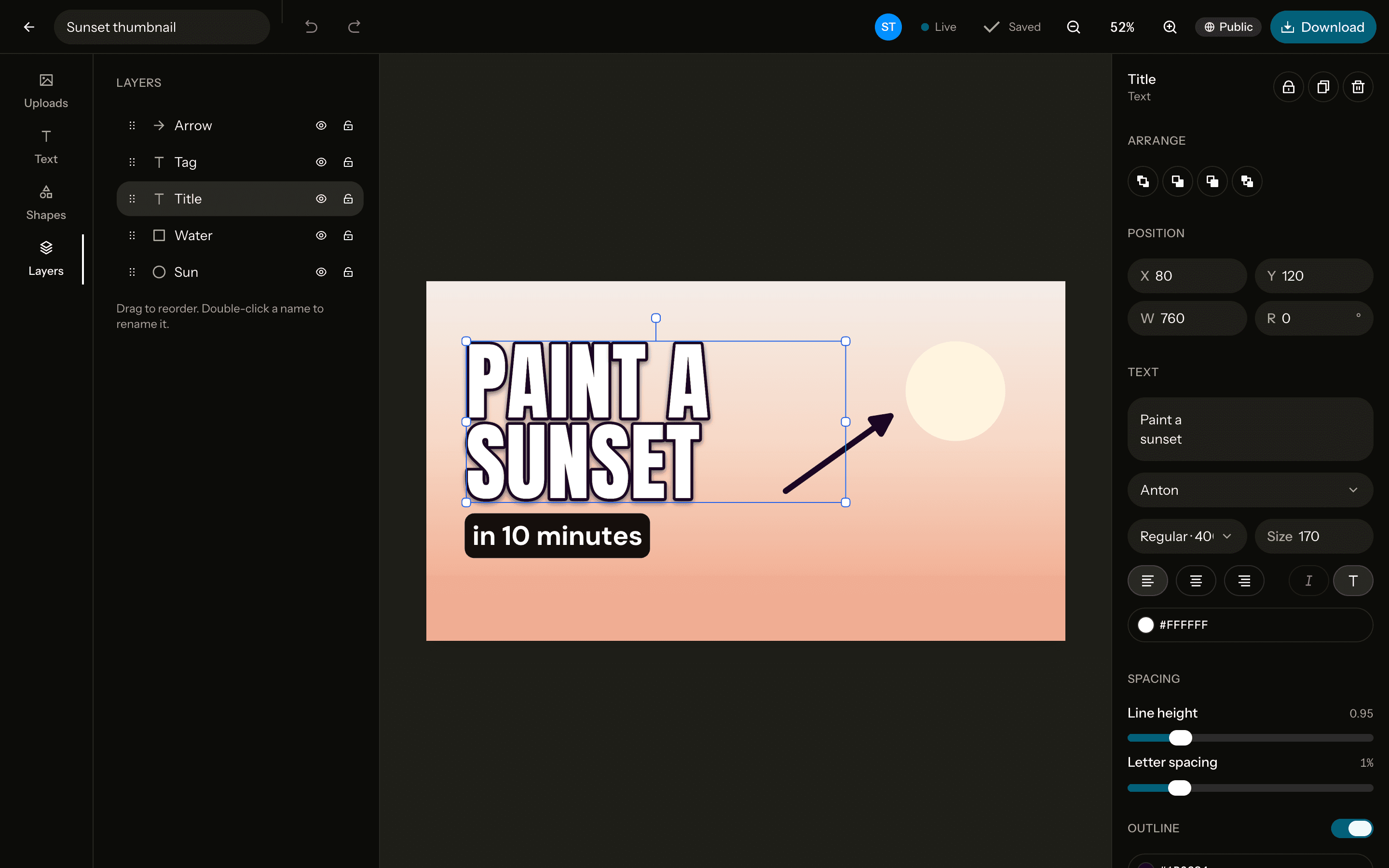
The size
LinkedIn banner
LinkedIn profile banner- Pixels
- 1584 × 396
- Ratio
- 4:1
- Download
- PNG, JPG, WebP
Free. Sign up with Google or email to keep your designs.
How to make one
Open a 1584×396 canvas
Start from the LinkedIn banner canvas at exactly 1584×396 pixels, or any custom size.Add a photo and text
Upload, drag in or paste a photo, remove its background in one click, and write on it in any of 40 fonts.Download it
PNG, JPG or WebP at exactly the canvas size, or at 2× for extra sharpness. No watermark.
Tips
Leave the left side quiet
Your profile photo covers the lower left of the banner, so keep text and logos to the right.Say what you do
One clear line about your work says more than a slogan.Download at 2×
A 2× download (3168×792) stays sharp on high-resolution screens.
Questions
- What size is a LinkedIn banner?
- 1584×396 pixels, a 4:1 ratio, for the background photo of a personal profile.
- Which format should I download?
- PNG keeps text and logos crisp; JPG gives a smaller file for photos. Either comes out at exactly 1584×396, or twice that at 2×.
- Is it free?
- Yes, every feature, with no watermark. You sign up with Google or email to keep your designs.
- Can I change the size later?
- Yes. Resize the canvas to another preset or any custom size from the editor, up to 4096 pixels a side.