Free Instagram post maker
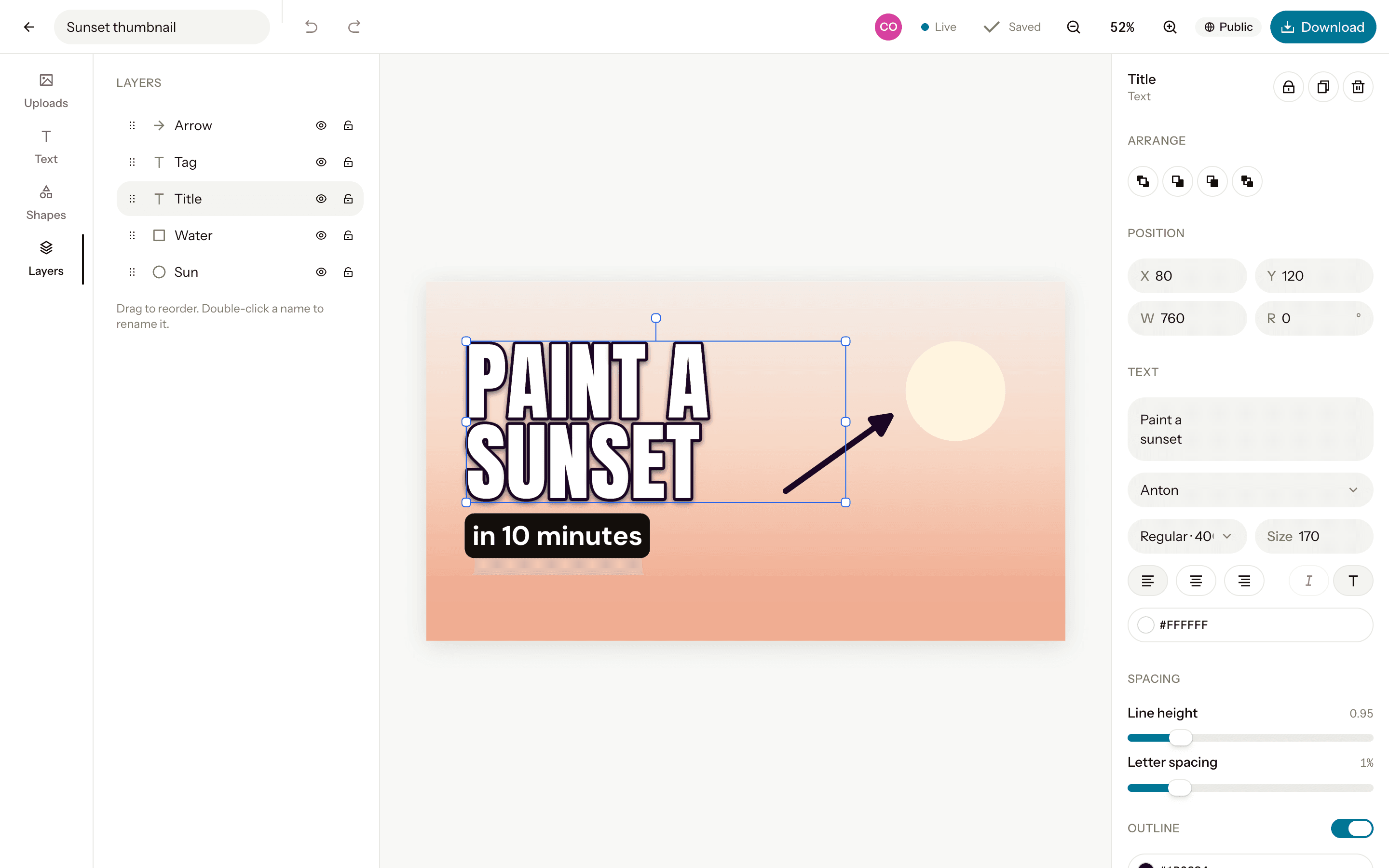
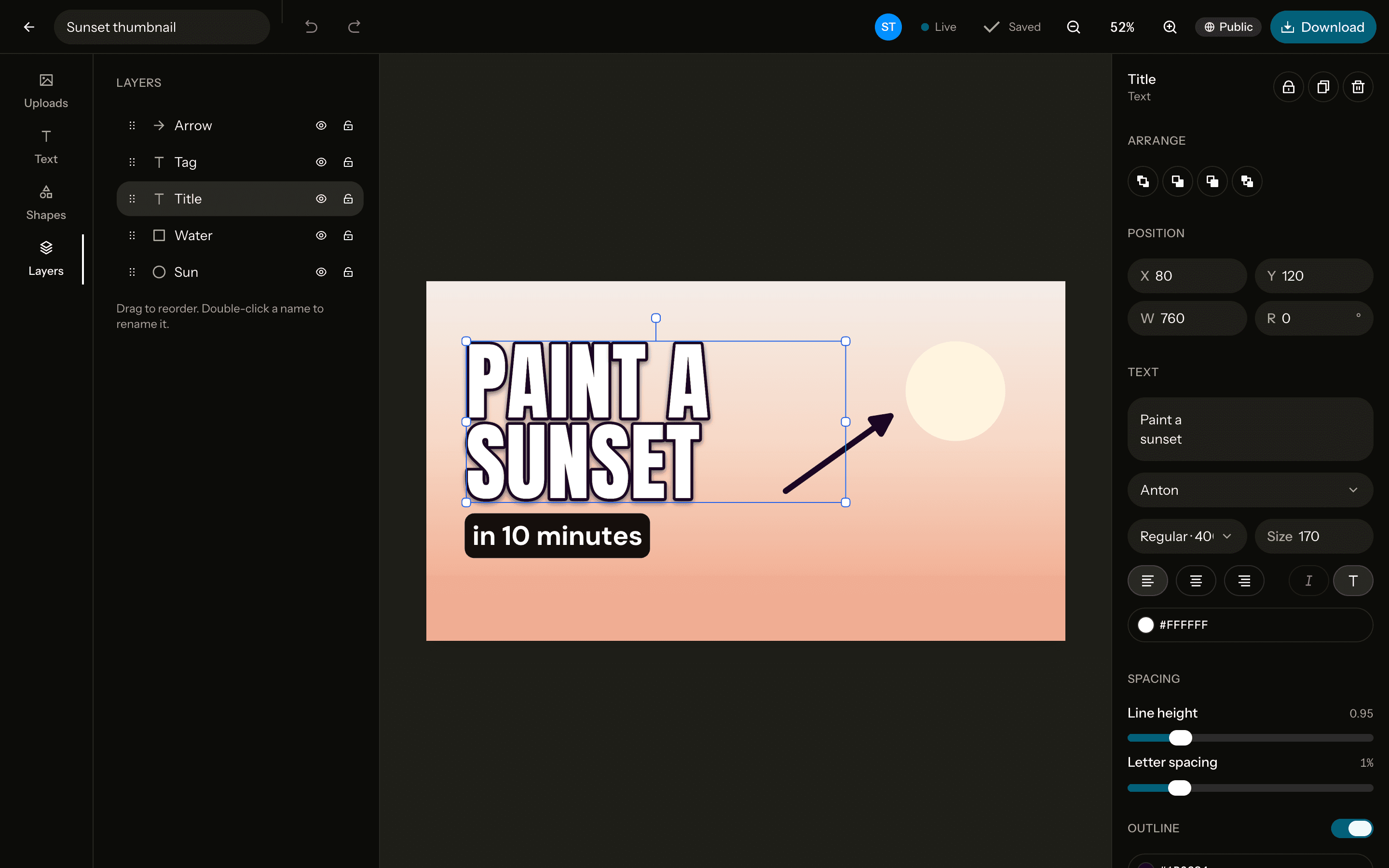
Square posts at 1080×1080 and portrait ones at 1080×1350, which take up more of the feed. Add your photos, one-tap filters, text and shapes, and download at the exact size.
The sizes
Square
Instagram / LinkedIn post- Pixels
- 1080 × 1080
- Ratio
- 1:1
- Download
- PNG, JPG, WebP
Portrait
Instagram portrait post- Pixels
- 1080 × 1350
- Ratio
- 4:5
- Download
- PNG, JPG, WebP
Free. Sign up with Google or email to keep your designs.
How to make one
Open a 1080×1080 canvas
Start from the Square canvas at exactly 1080×1080 pixels, or any custom size.Add a photo and text
Upload, drag in or paste a photo, remove its background in one click, and write on it in any of 40 fonts.Download it
PNG, JPG or WebP at exactly the canvas size, or at 2× for extra sharpness. No watermark.
Tips
Go portrait for the feed
A 4:5 portrait post fills more of a phone screen than a square one, so it holds attention longer.Keep one look
Use the same filter and fonts from post to post, and your profile looks like one body of work.Leave room at the edges
Keep text away from the edges, so nothing important is lost when a preview crops the post.
Questions
- What size is an Instagram post?
- 1080×1080 pixels for a square post, and 1080×1350 for a portrait (4:5) one. Both are presets in Orcanva.
- Does the same size work on other networks?
- Yes. A 1080×1080 square works for LinkedIn and Facebook posts as well.
- Is it free?
- Yes, every feature, with no watermark. You sign up with Google or email to keep your designs.
- Can I change the size later?
- Yes. Resize the canvas to another preset or any custom size from the editor, up to 4096 pixels a side.