Free YouTube thumbnail maker
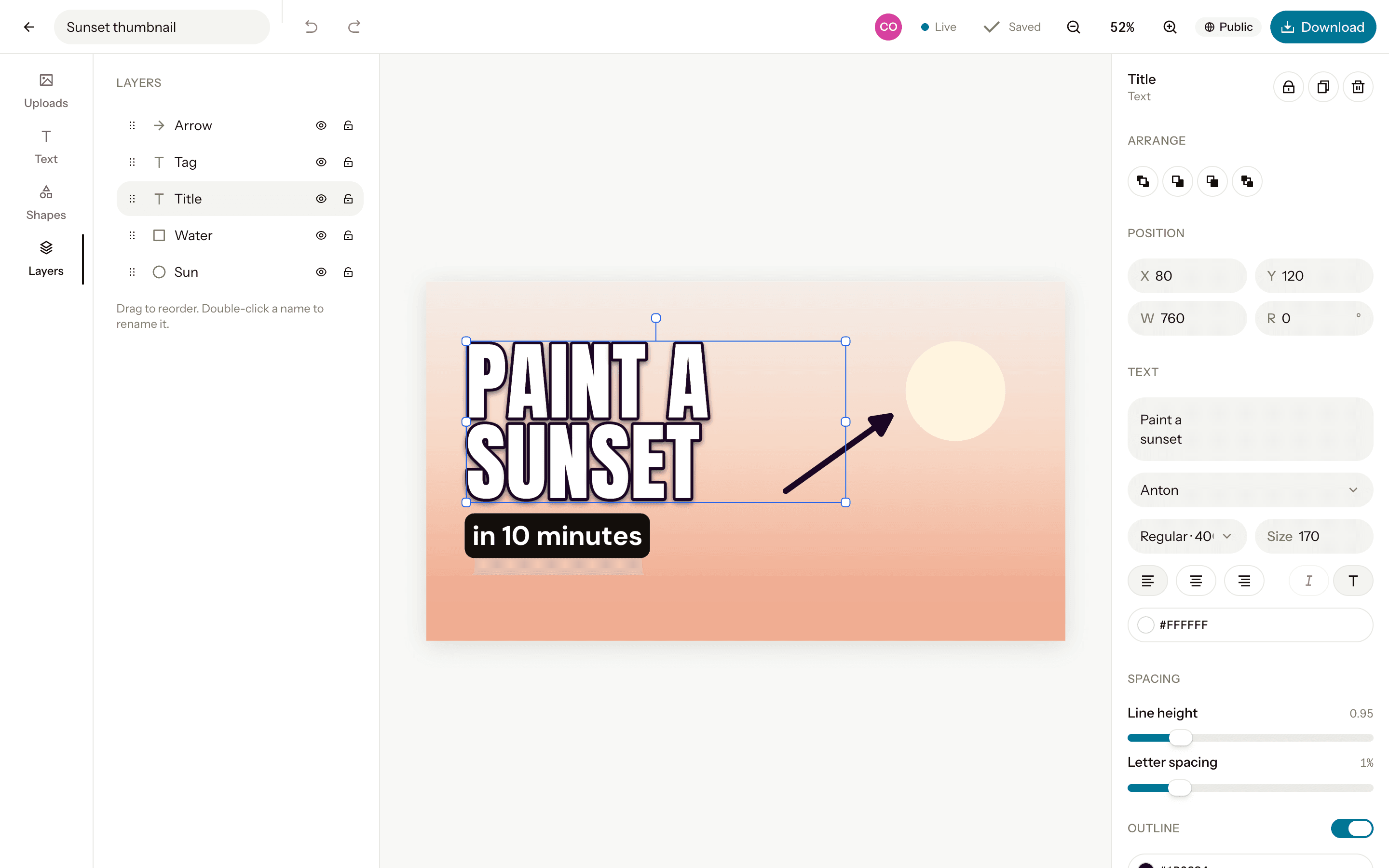
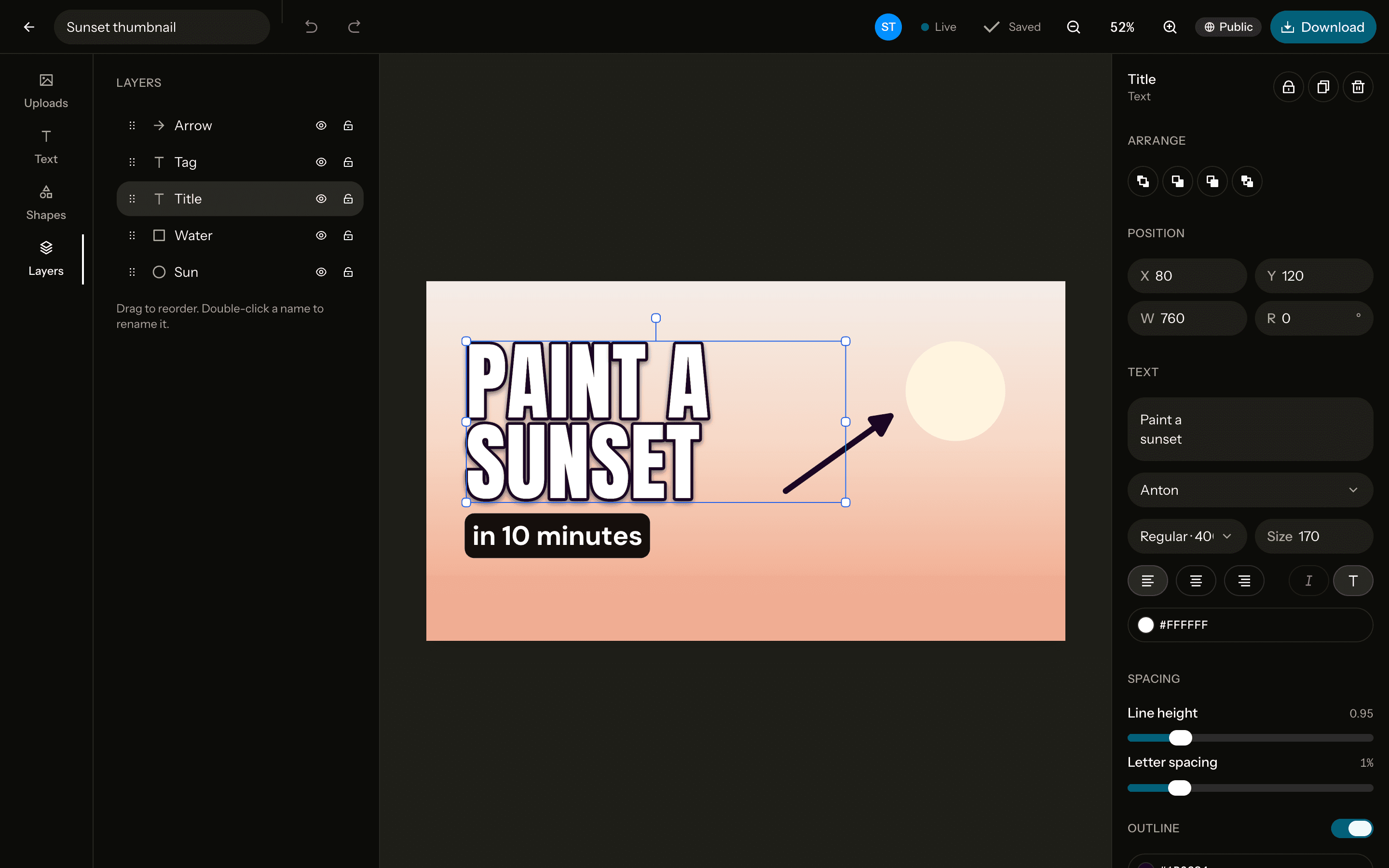
Thumbnails at exactly 1280×720, the size YouTube recommends. Cut yourself out of any photo, add big outlined text in a font that pops, and download a file that's ready to upload.
The size
Free. Sign up with Google or email to keep your designs.
How to make one
Open a 1280×720 canvas
Start from the YouTube thumbnail canvas at exactly 1280×720 pixels, or any custom size.Add a photo and text
Upload, drag in or paste a photo, remove its background in one click, and write on it in any of 40 fonts.Download it
PNG, JPG or WebP at exactly the canvas size, or at 2× for extra sharpness. No watermark.
Tips
Keep the text short
Three or four words, big enough to read on a phone. An outline or drop shadow keeps them legible over any photo.Show a face
Remove the background from a photo of yourself in one click and put your reaction right beside the title.Check it small
Zoom out to see how it reads at the size people scroll past it, then download.
Questions
- What size is a YouTube thumbnail?
- 1280×720 pixels, a 16:9 ratio, which is what YouTube recommends (at least 640 pixels wide). Orcanva's YouTube thumbnail canvas is exactly that size.
- Should I download a JPG or a PNG?
- JPG keeps the file small for uploading; PNG keeps text and edges perfectly crisp. Both come out at exactly 1280×720.
- Can I make vertical covers for Shorts too?
- Yes. The Story size, 1080×1920, is the same 9:16 frame as Shorts, Reels and TikTok.
- Is it free?
- Yes, every feature, with no watermark. You sign up with Google or email to keep your designs.
- Can I change the size later?
- Yes. Resize the canvas to another preset or any custom size from the editor, up to 4096 pixels a side.