Free Open Graph image maker
Link previews at 1200×630, the size X, LinkedIn, Facebook, Slack and Discord show when someone shares your page. Make one for every page you ship.
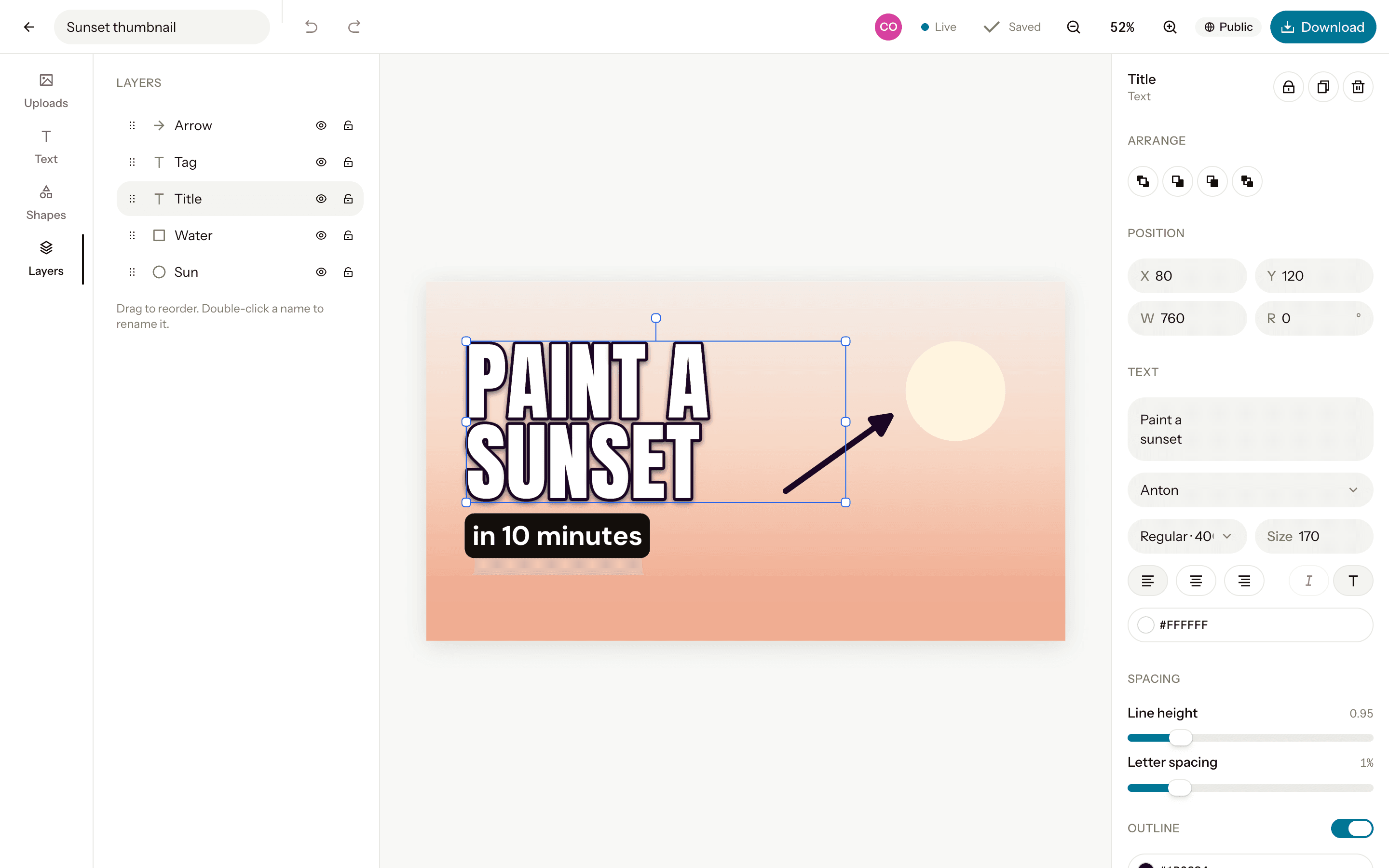
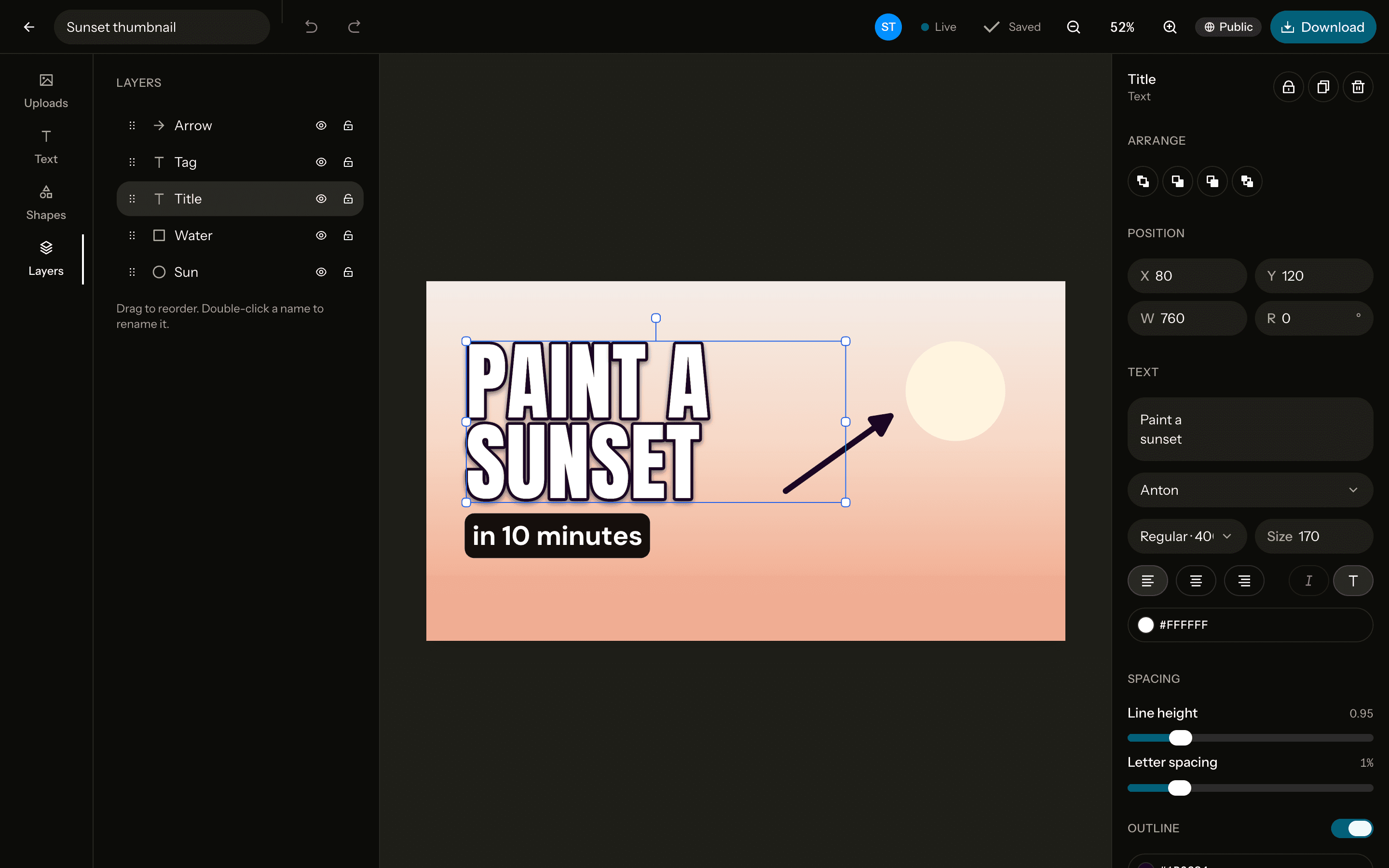
The size
Open Graph
Link preview image- Pixels
- 1200 × 630
- Ratio
- 1.9:1
- Download
- PNG, JPG, WebP
Free. Sign up with Google or email to keep your designs.
How to make one
Open a 1200×630 canvas
Start from the Open Graph canvas at exactly 1200×630 pixels, or any custom size.Add a photo and text
Upload, drag in or paste a photo, remove its background in one click, and write on it in any of 40 fonts.Download it
PNG, JPG or WebP at exactly the canvas size, or at 2× for extra sharpness. No watermark.
Tips
Big title, little else
Previews show small in a feed, so one large headline beats detail.One layout, many pages
Keep one layout for every page and change only the title, so your links are recognisable at a glance.Pick a safe format
Download a PNG or JPG: every platform reads them.
Questions
- What size should an og:image be?
- 1200×630 pixels, about 1.9:1. X, LinkedIn, Facebook, Slack and Discord all show link previews in that shape.
- How do I add it to my site?
- Put the file on your site and point a meta tag at it, like <meta property="og:image" content="https://example.com/preview.png">. Frameworks like Next.js can add the tag for you.
- Is it free?
- Yes, every feature, with no watermark. You sign up with Google or email to keep your designs.
- Can I change the size later?
- Yes. Resize the canvas to another preset or any custom size from the editor, up to 4096 pixels a side.