Free X post image maker
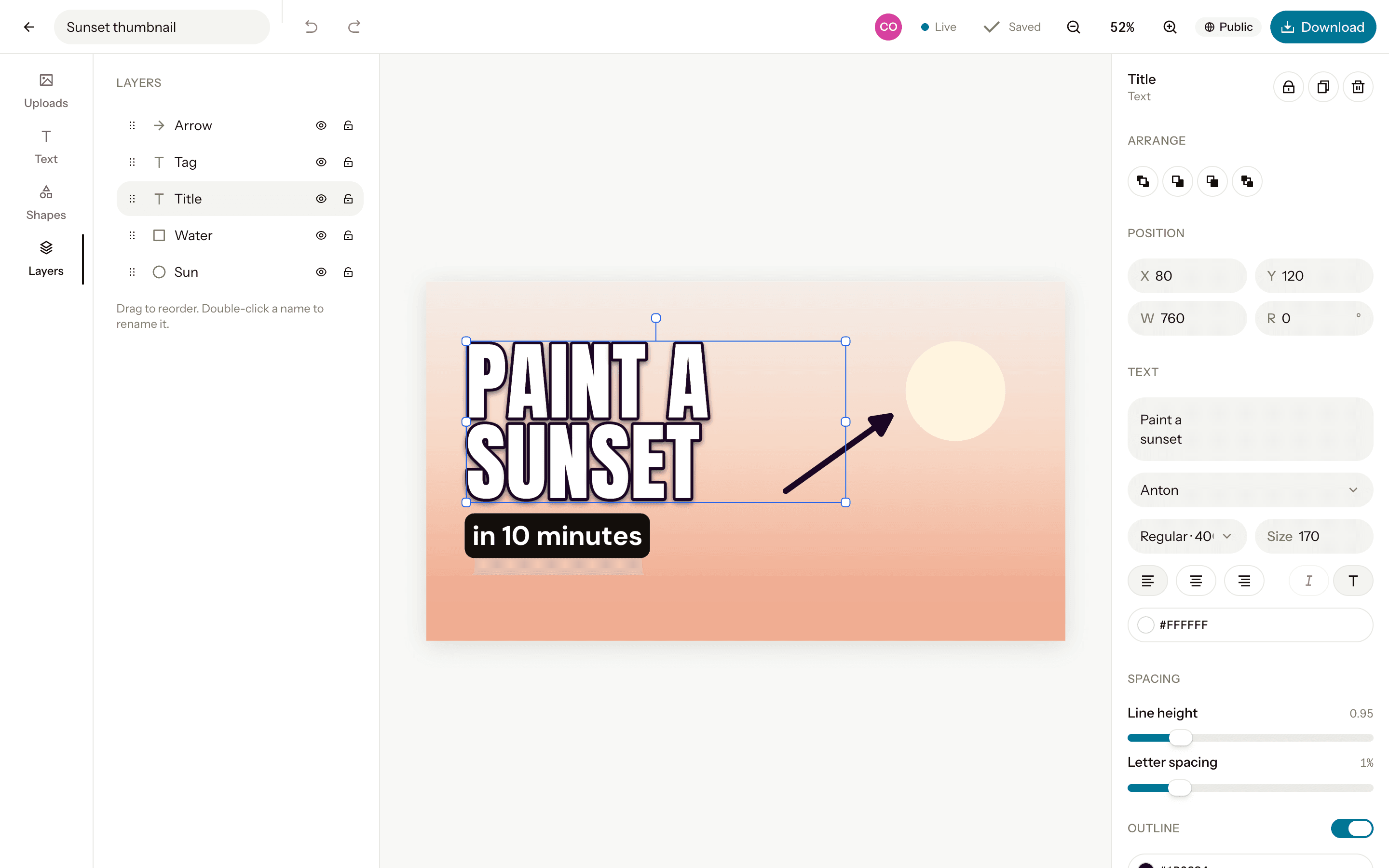
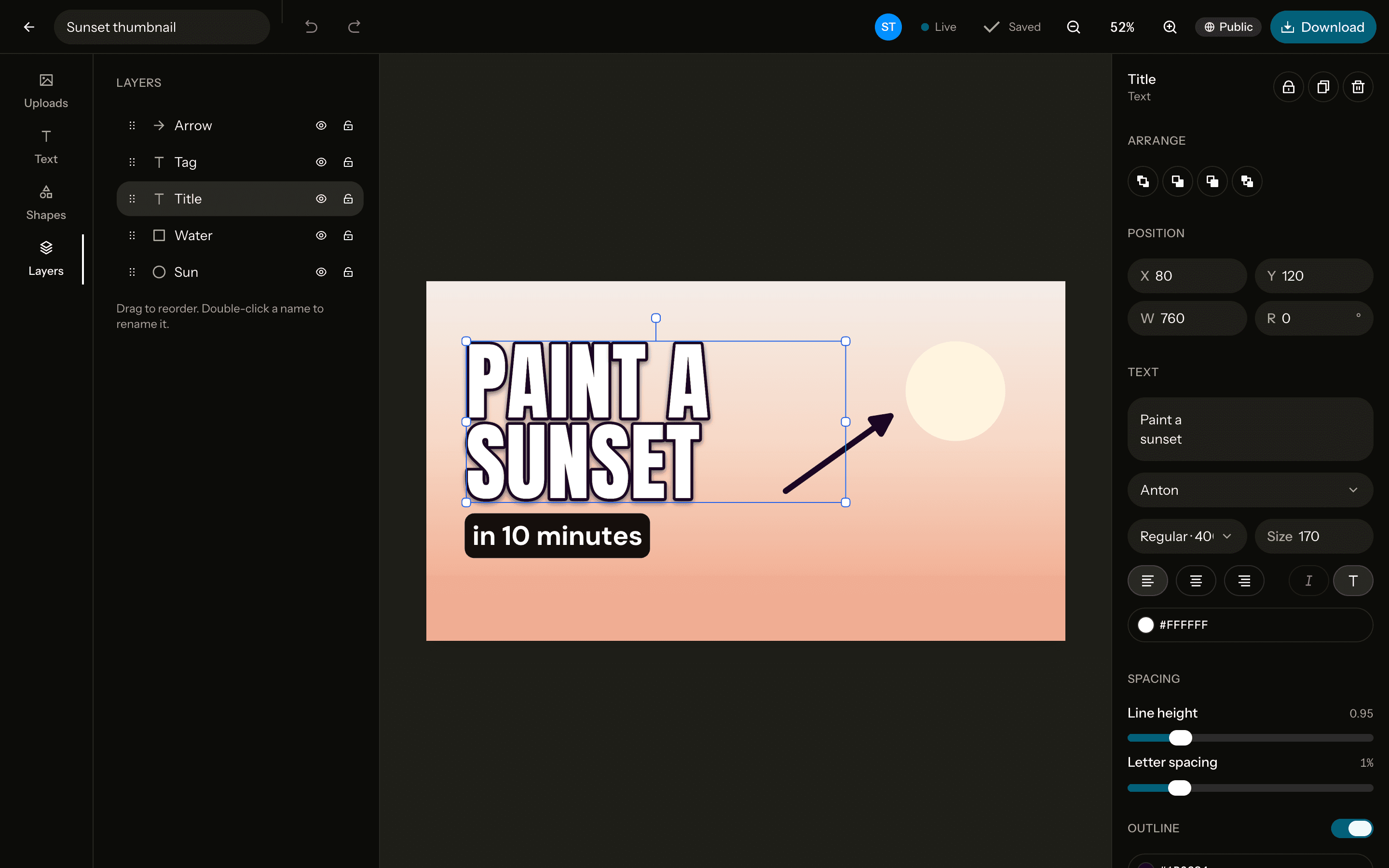
Images for X posts at 1600×900, the 16:9 frame the timeline shows without cropping. Add a photo, a headline and your handle, and download it ready to post.
The size
X post
X / Twitter in-feed image- Pixels
- 1600 × 900
- Ratio
- 16:9
- Download
- PNG, JPG, WebP
Free. Sign up with Google or email to keep your designs.
How to make one
Open a 1600×900 canvas
Start from the X post canvas at exactly 1600×900 pixels, or any custom size.Add a photo and text
Upload, drag in or paste a photo, remove its background in one click, and write on it in any of 40 fonts.Download it
PNG, JPG or WebP at exactly the canvas size, or at 2× for extra sharpness. No watermark.
Tips
Make it readable at a glance
People scroll fast: a few large words over a strong photo stop them better than a busy layout.Sign it
Put your handle in a corner, so a reposted screenshot still leads back to you.Use high contrast
Strong contrast between text and background reads in light and dark mode alike.
Questions
- What size is an image for an X post?
- 1600×900 pixels, 16:9, which the timeline shows in full. Orcanva's X post canvas is exactly that size.
- Can I use it elsewhere?
- Yes. A 16:9 image also suits LinkedIn posts, blog headers and slides.
- Is it free?
- Yes, every feature, with no watermark. You sign up with Google or email to keep your designs.
- Can I change the size later?
- Yes. Resize the canvas to another preset or any custom size from the editor, up to 4096 pixels a side.