Orcanva
Free · 28 templates

Free templates for thumbnails and social posts

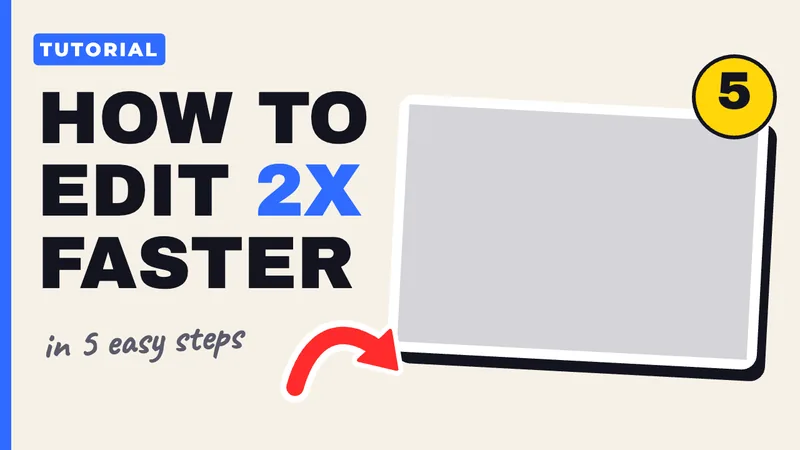
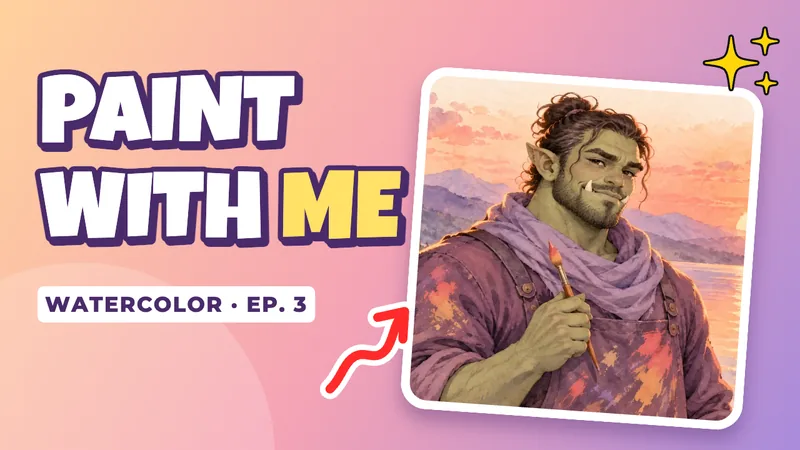
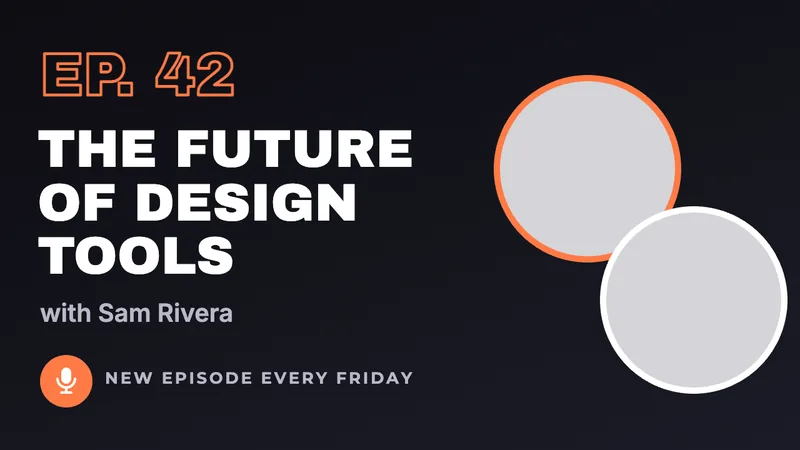
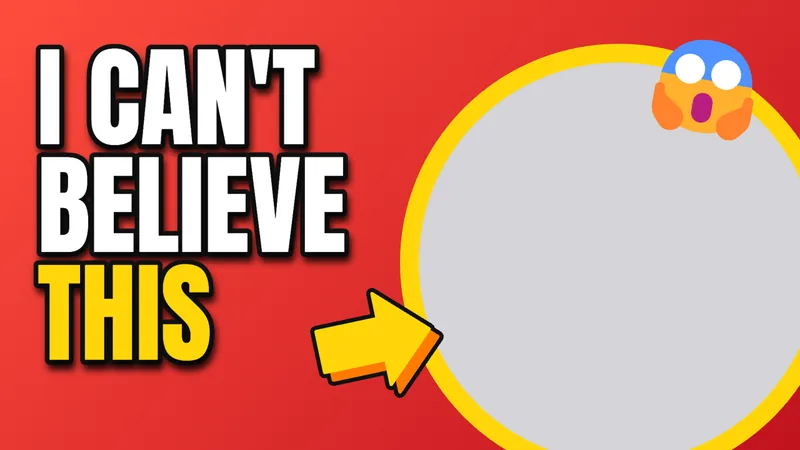
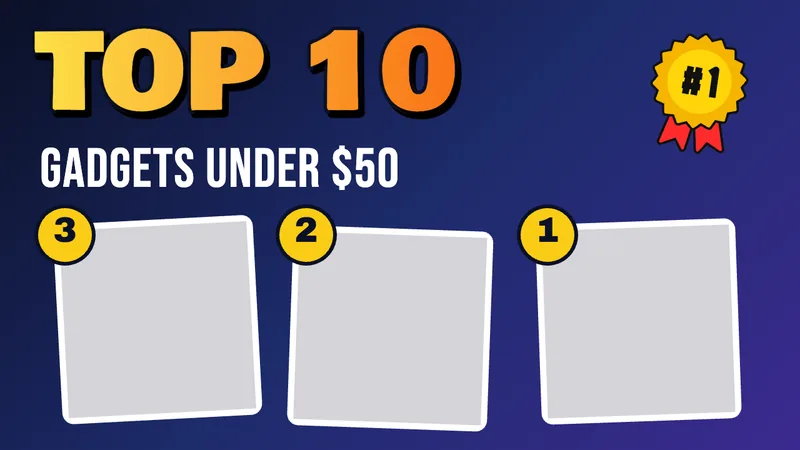
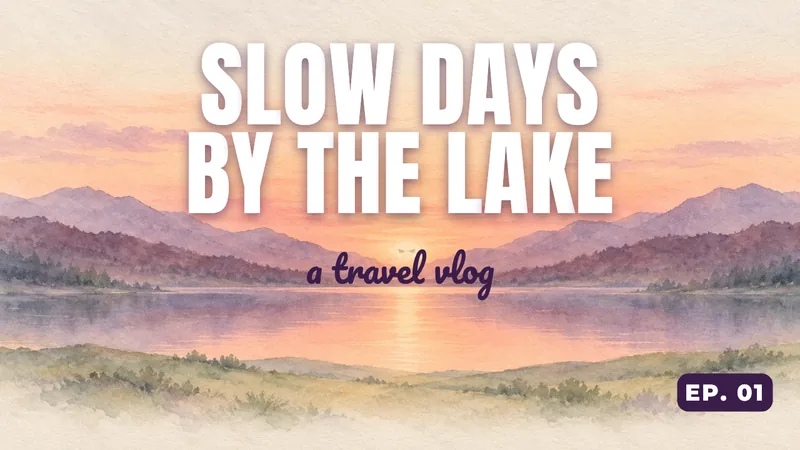
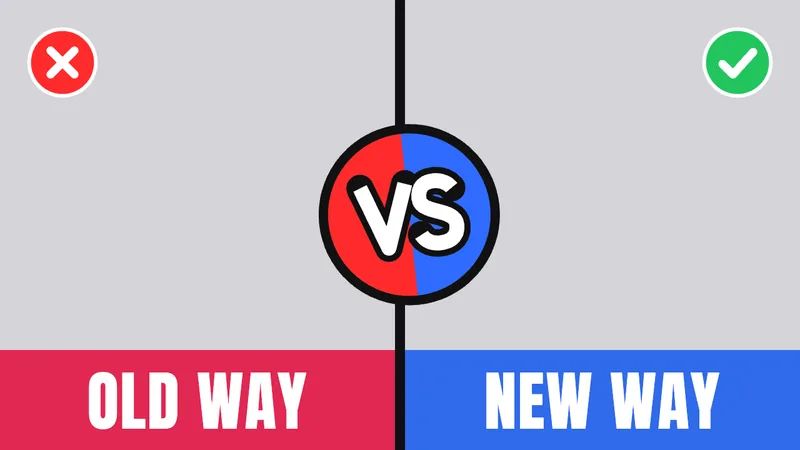
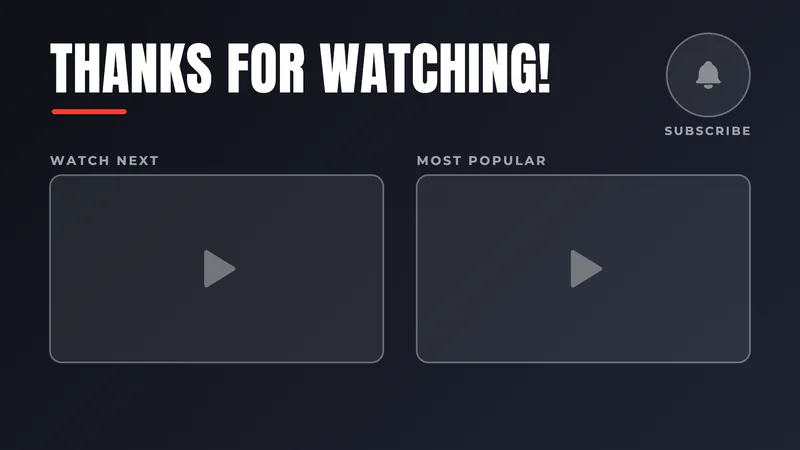
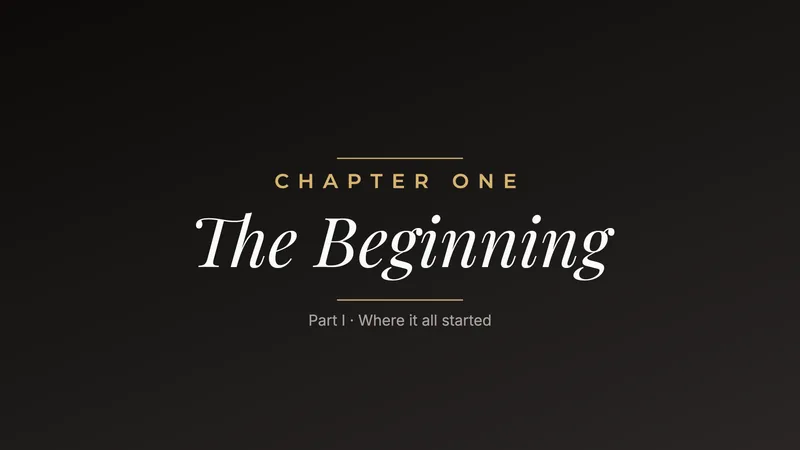
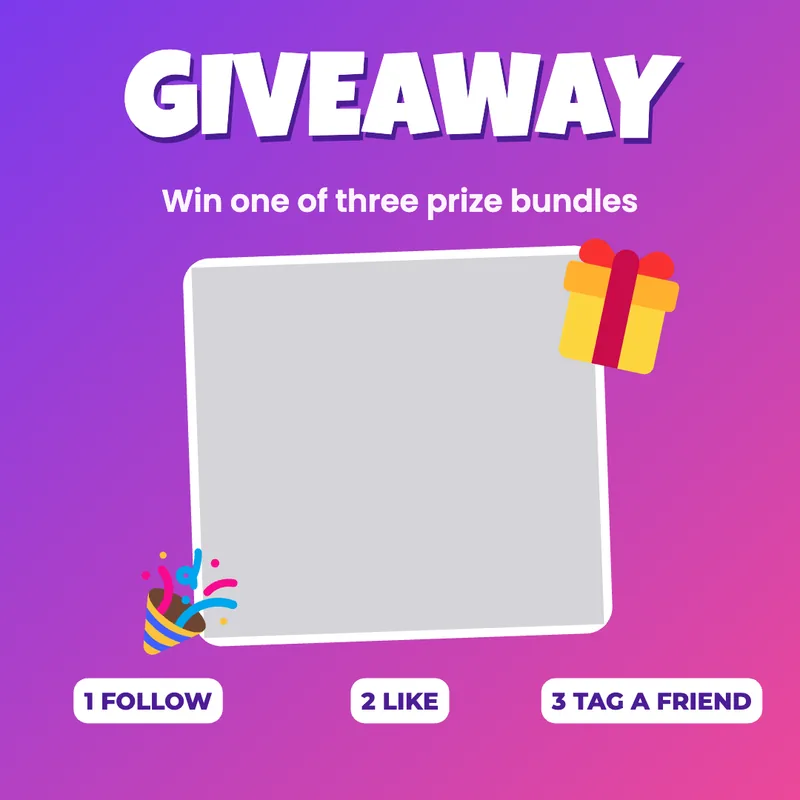
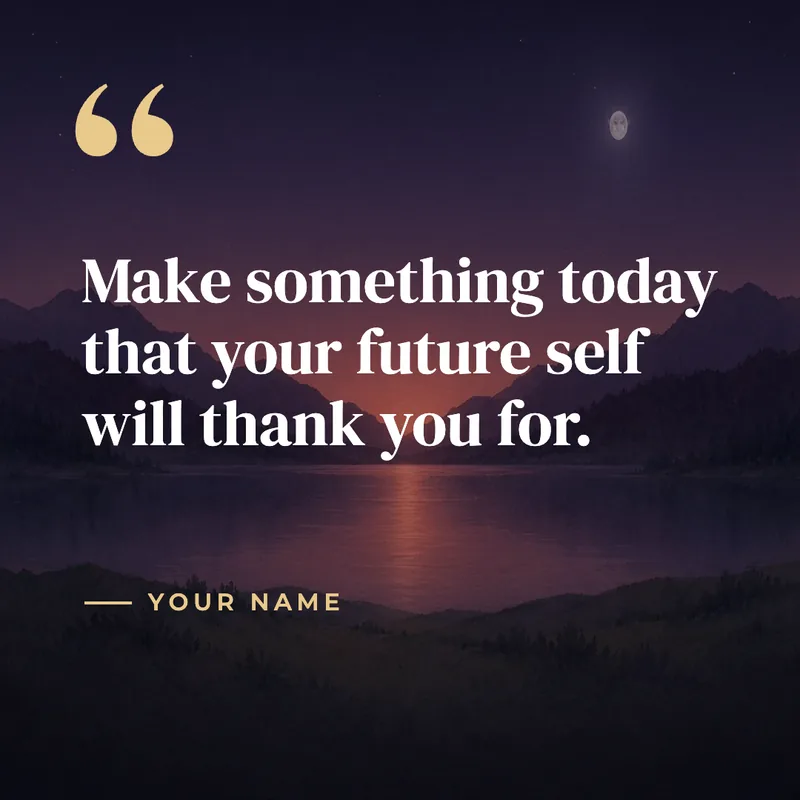
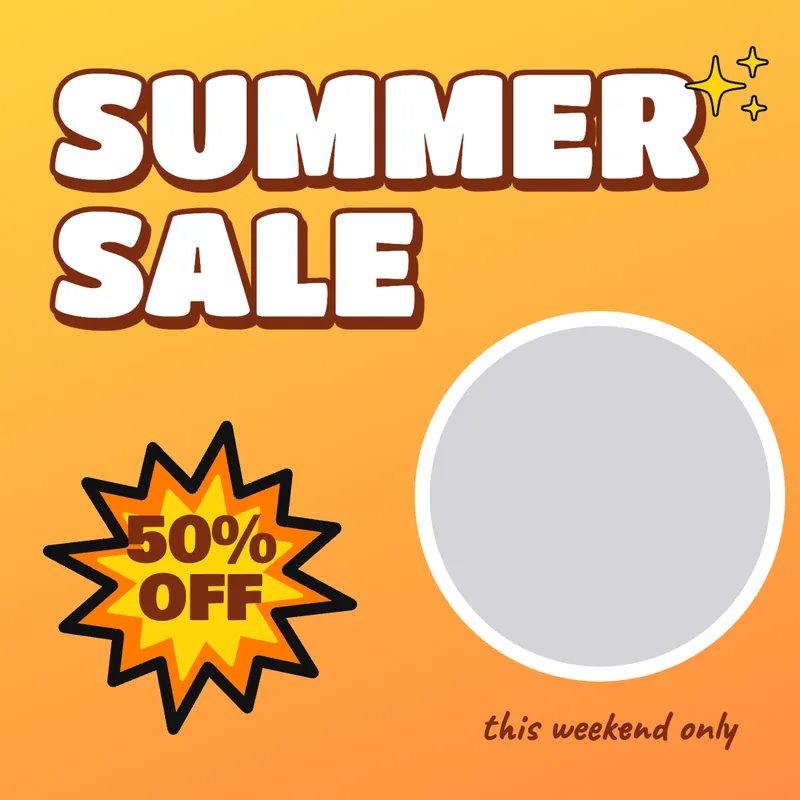
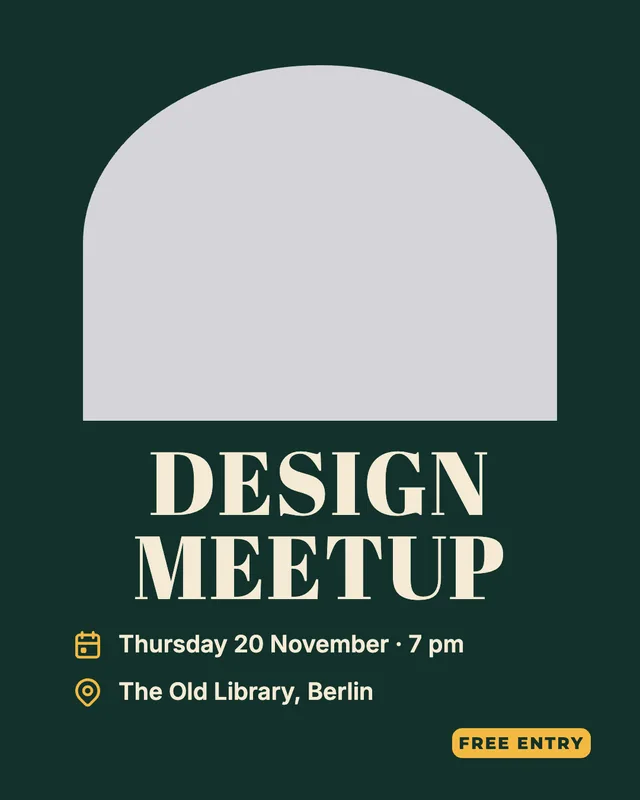
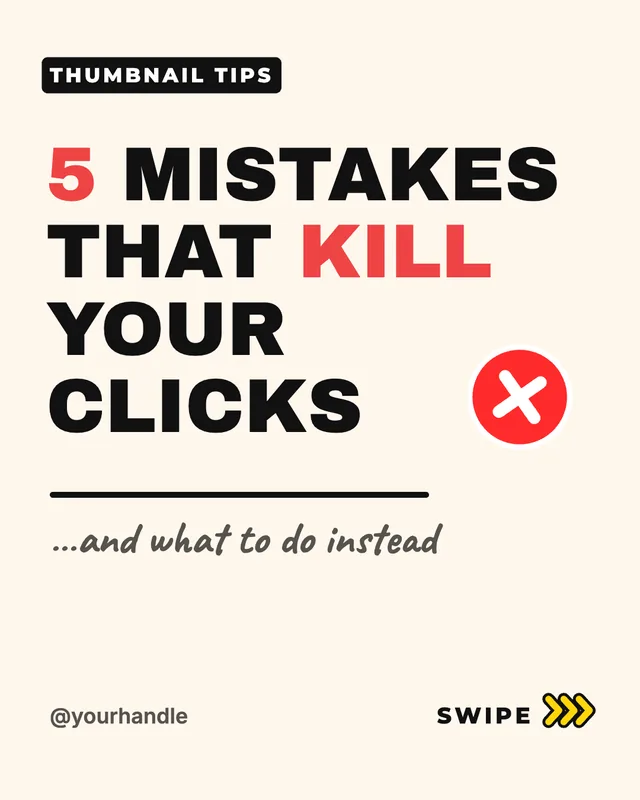
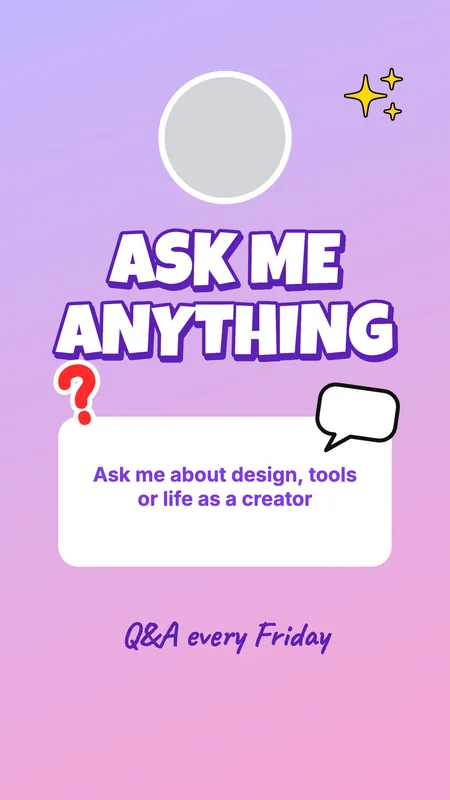
Start from a design instead of a blank canvas. Pick a template, drop your photos into its frames, change the words and download it at exactly the right size.

YouTube thumbnail

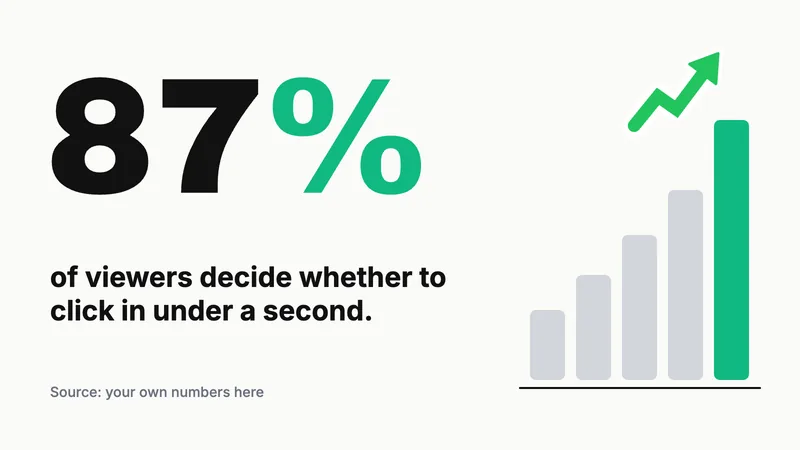
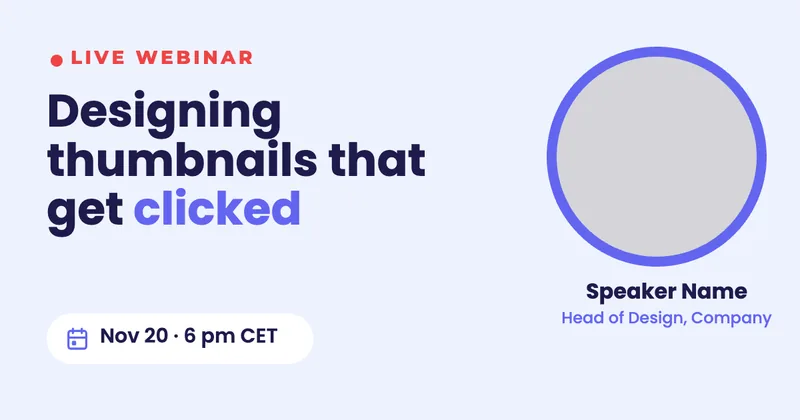
1280 × 720 px

Full HD

1920 × 1080 px · 16:9 Full HD

4K

3840 × 2160 px · 16:9 Ultra HD

Square

1080 × 1080 px · Instagram / LinkedIn post

Portrait

1080 × 1350 px · Instagram portrait post

Story / Shorts

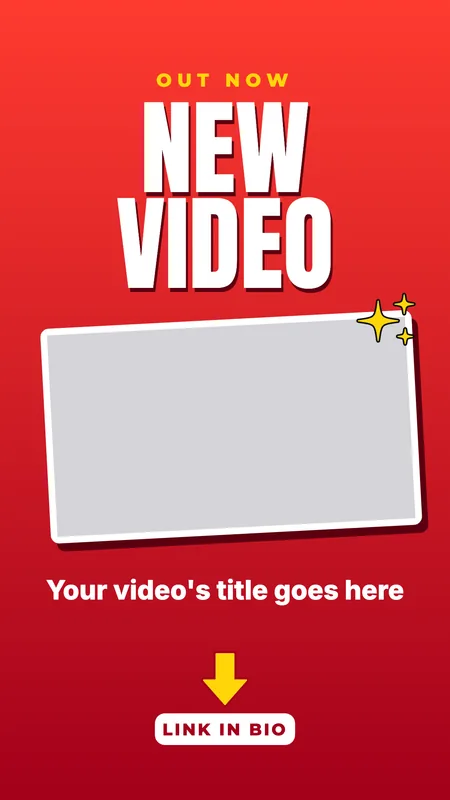
1080 × 1920 px · Stories, Shorts, Reels, TikTok

X post

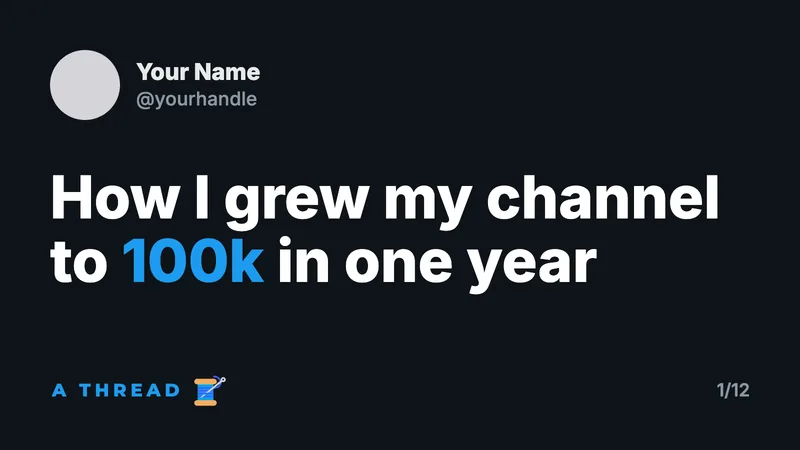
1600 × 900 px · X / Twitter in-feed image

Open Graph

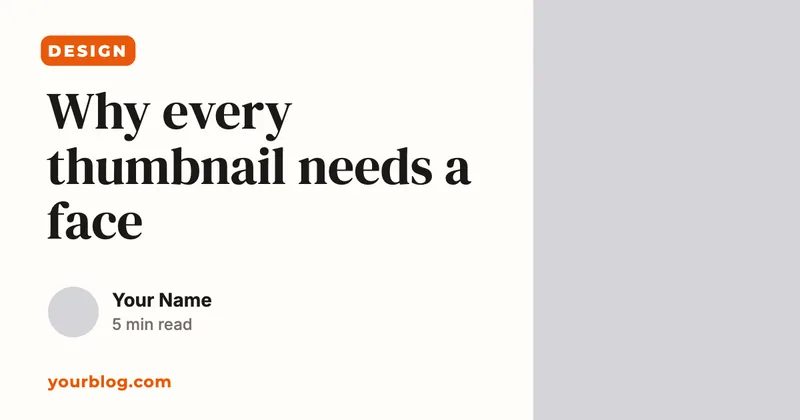
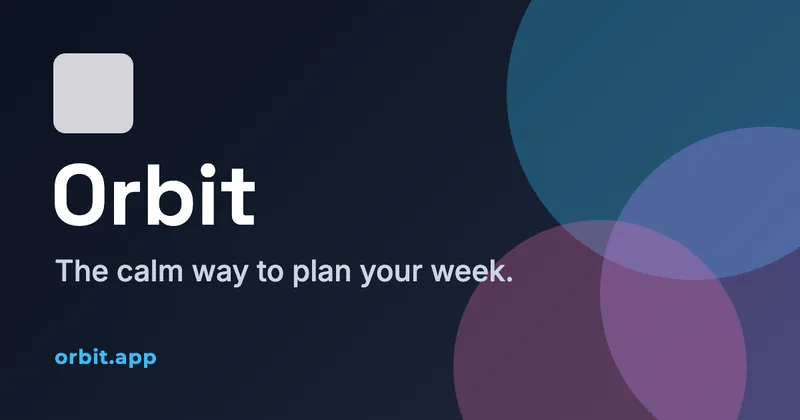
1200 × 630 px · Link preview image

LinkedIn banner

1584 × 396 px · LinkedIn profile banner
Questions

Are the templates free?
Yes, every one, with no watermark. Pick one and it opens as a new design in your account; sign up with Google or email first if you haven't.
How do I put my own photo in?
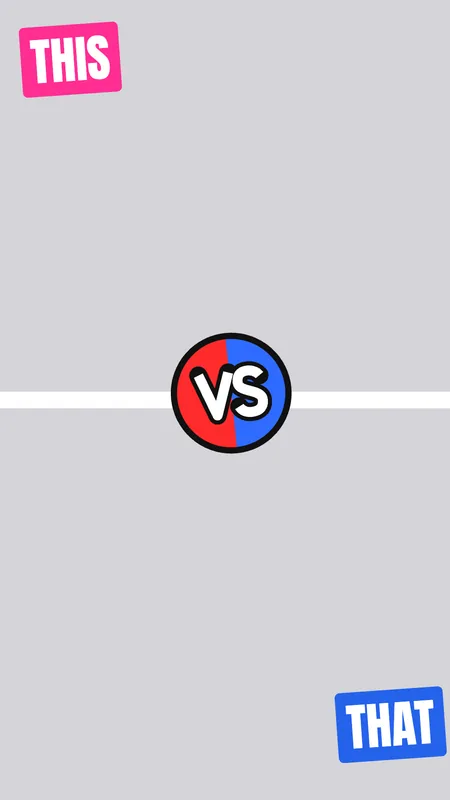
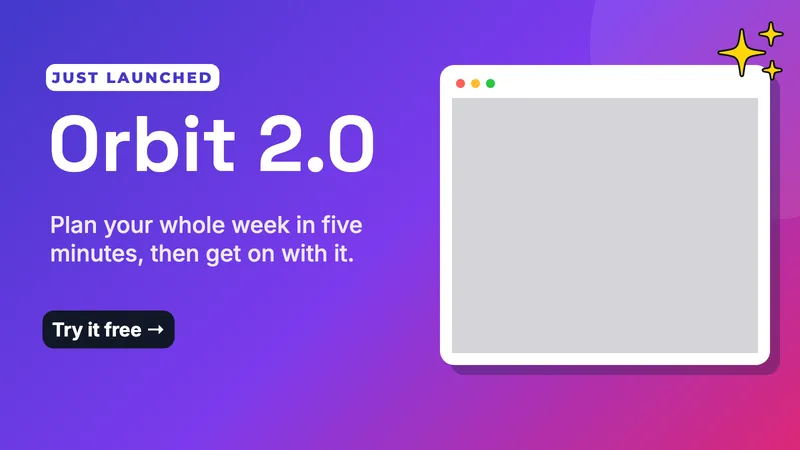
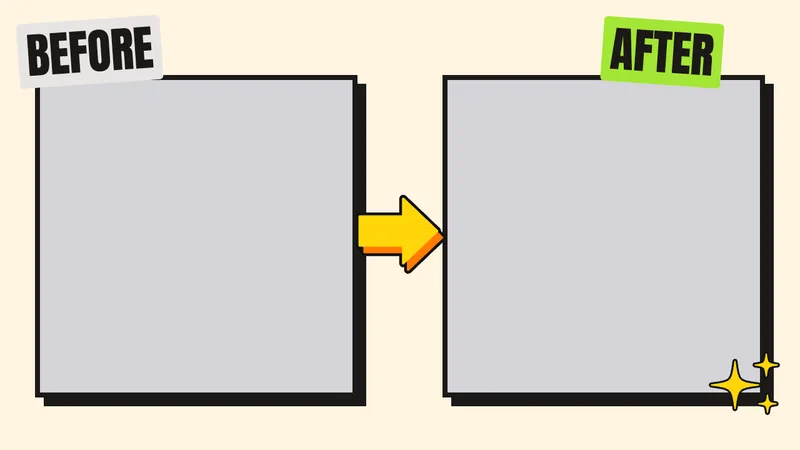
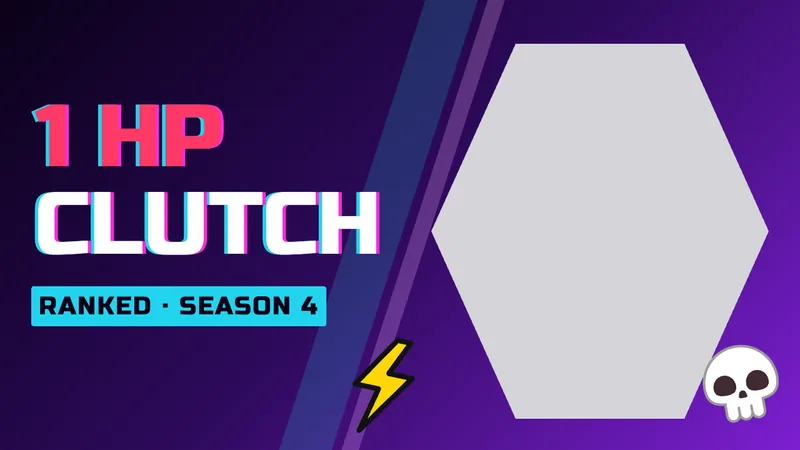
Templates leave grey frames where photos go. Drop a photo from your computer or the Uploads tab onto one and it fills the frame; double-click it to move or zoom the photo inside.
Can I use them commercially?
Yes. The templates, their stickers and the paintings in some of them are Orcanva's own, and the fonts are Google Fonts under open licences, so what you make is yours to use.
Can I use a template at another size?
Each template opens at the size it was made for. Resize the canvas afterwards, or open the editor's Templates tab to replace a page with any template, or add one to a page of another size, where it's scaled to fit.